# Updated Snyk Webhook Integration with New Relic
> Updated guide for integrating Snyk security vulnerabilities with New Relic using webhooks. Stream vulnerability data to your observability platform.
*Published April 12, 2023* · Categories: newrelic, snyk
Source: https://www.kimpel.com/2023/04/12/newrelic-updated-snyk-webhook-integration/
In a [recent post](../how-to-send-snyk-vulnerability-data-to-the-newrelic-observability-platform/) I wrote about the ability to send all your application security vulnerabilities found by Snyk directly to your New Relic observability platform.
Now, New Relic made it even easier to achieve that by providing a dedicated security ingest processor that 'understands' the payload from a Snyk webhook. All the details on how to get started, create and configure a Snyk webhook to send into your New Relic account is provided in this docs page:
The quick overview is that you can [create a webhook for your Snyk organization](https://snyk.docs.apiary.io/#reference/webhooks/webhook-collection/create-a-webhook) and specify the target URL to
```
https://security-ingest-processor.service.newrelic.com/v1/security/webhooks/snyk?Api-Key=YOUR_NEW_RELIC_LICENSE_KEY
```
To create the webhook, you need the following information:
- SNYK_API_TOKEN
- SNYK_ORG_ID
- YOUR_NEW_RELIC_LICENSE_KEY
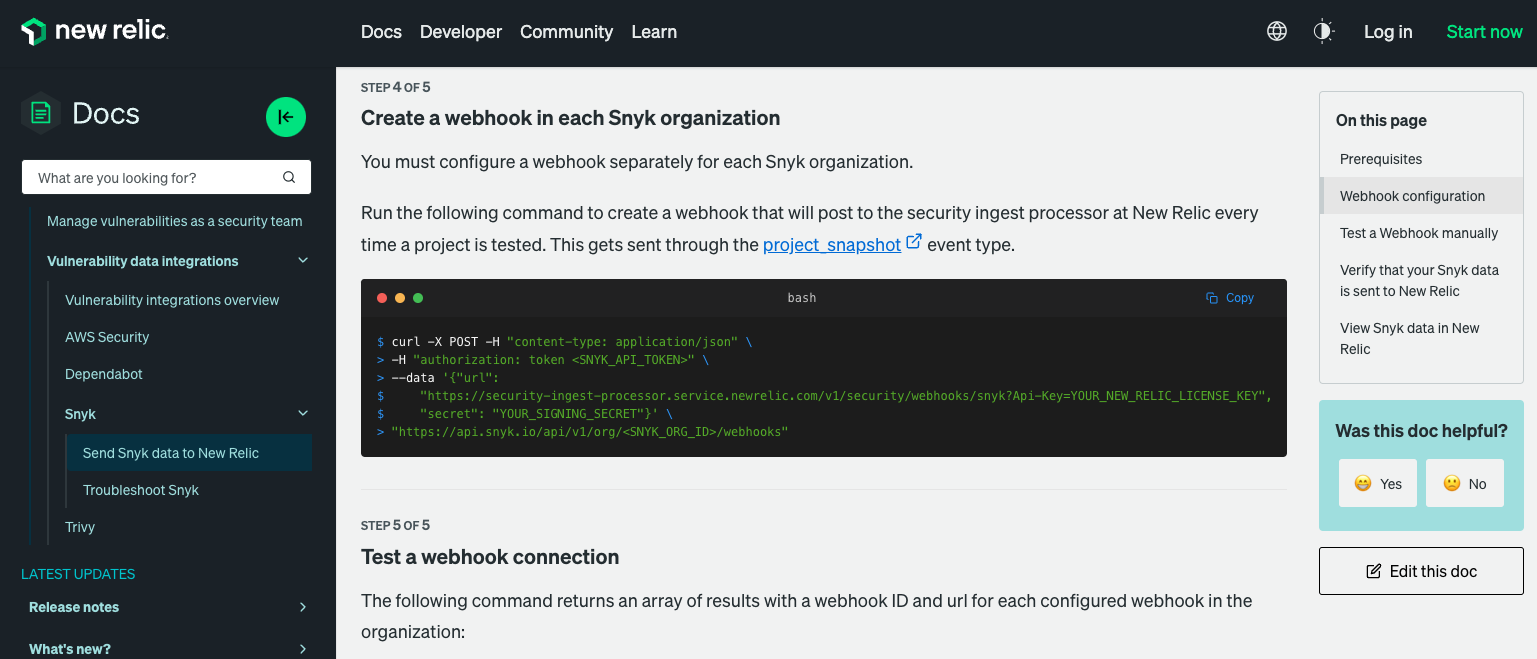
You can then run the below requests or commands to create the Snyk webhook which will get triggered for every project snapshot within the Snyk platform.
- VSCode rest client
```http
@snykOrgId =
@snykOrgServiceAccount =
@newRelicLicenseKey =
### Create Snyk webhook for New Relic security ingest processor
POST https://snyk.io/api/v1/org/{{snykOrgId}}/webhooks HTTP/2
Host: snyk.io
Authorization: token {{snykOrgServiceAccount}}
Content-Type: application/json
{
"url": "https://security-ingest-processor.service.newrelic.com/v1/security/webhooks/snyk?Api-Key={{newRelicLicenseKey}}",
"secret": "my-secret-string"
}
```
- Shell curl command
```shell
curl -X POST -H "content-type: application/json" \
-H "authorization: token " \
--data '{ \
"url": "https://security-ingest-processor.service.newrelic.com/v1/security/webhooks/snyk?Api-Key=YOUR_NEW_RELIC_LICENSE_KEY", \
"secret": "YOUR_SIGNING_SECRET" \
}' \
"https://api.snyk.io/api/v1/org//webhooks"
```
Please note that the Snyk Webhook transports **New Issues** and **Removed Issues** that occur with each test. **New Relic will parse only the New Issues**. If the manual test doesn't reveal any new issues, you won't see any new security logs in New Relic.
New issues will automatically start appearing in New Relic's Vulnerability Management section.