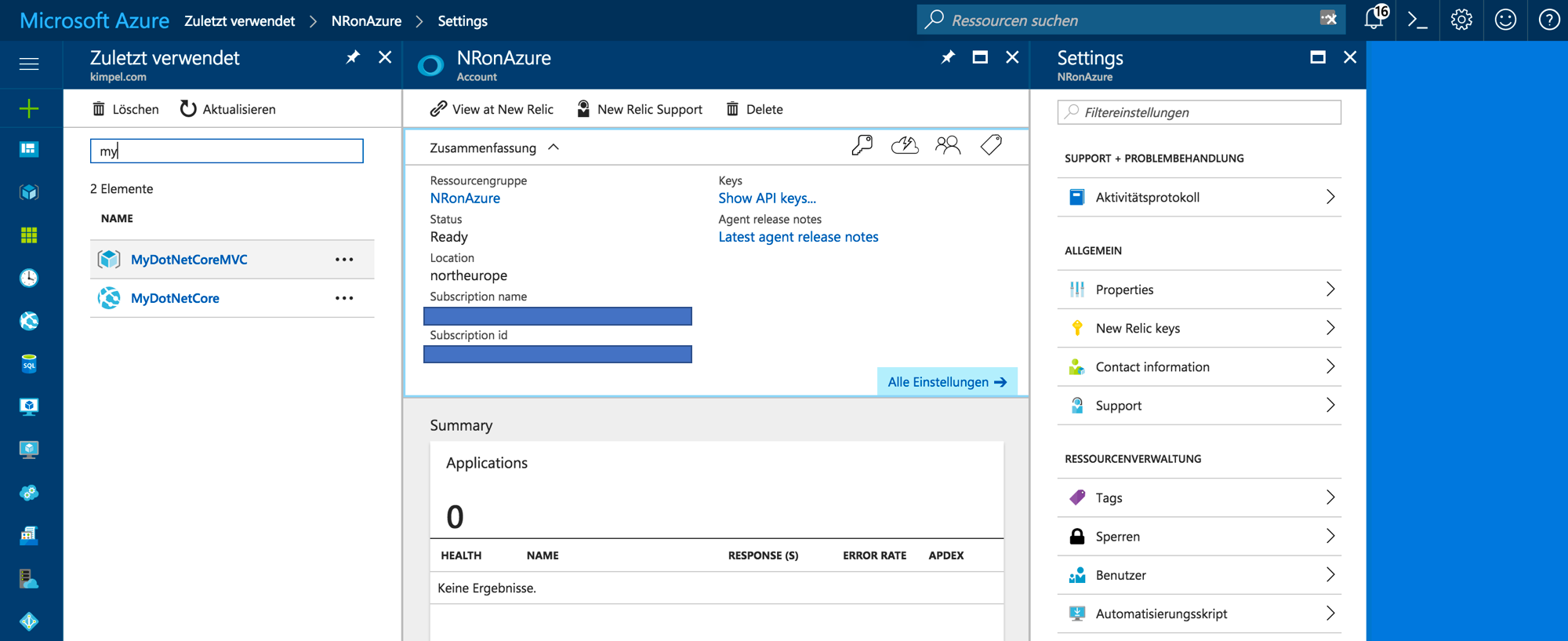
APM with Microsoft .NET Core on Azure
One of the things I am very interested in is the .NET stack and especially the .NET Core platform. In this blog post I want to briefly highlight what it takes to get a sample .NET Core application up and running on Azure and how to use New Relic’s Application Performance Monitoring (APM) to monitor this application. Please note: while I am writing this, the latest version of .NET Core SDK is .NET Core 2.0 Preview 2; dependent upon how you get the SDK, there is already a preview 3 of the .NET Core CLI out there, but this is currently not supported on Azure. You can check for support by using a Developer Console (Developer Tools –> Console of an Azure App Service) within the Azure portal and navigate to D:\Program Files (x86)\dotnet\sdk. ...